1
1 minute

Install & verify your phone

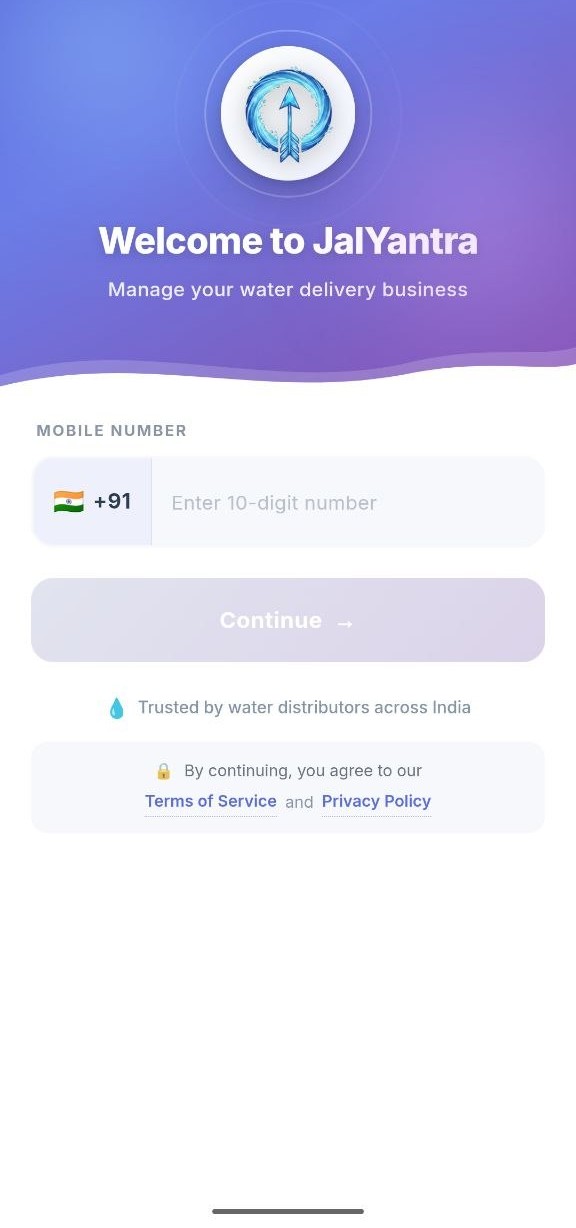
Download JalYantra from Play Store. Enter your business phone number. We'll send a 6-digit OTP to verify it's yours.
  • No email or password to remember
  • Same number used to send WhatsApp messages later
+91 auto OTP login
JalYantra welcome screen with mobile number input
2
2 minutes

Set up your business

Add your business name, logo, address, and your default jar product (size + price). This is what your customers will see on every bill and message.

  • Upload logo (optional, but nice)
  • Add multiple products if you sell different jar sizes
  • Set GSTIN if you're registered (optional)
3
5 minutes for first 20

Add your customers

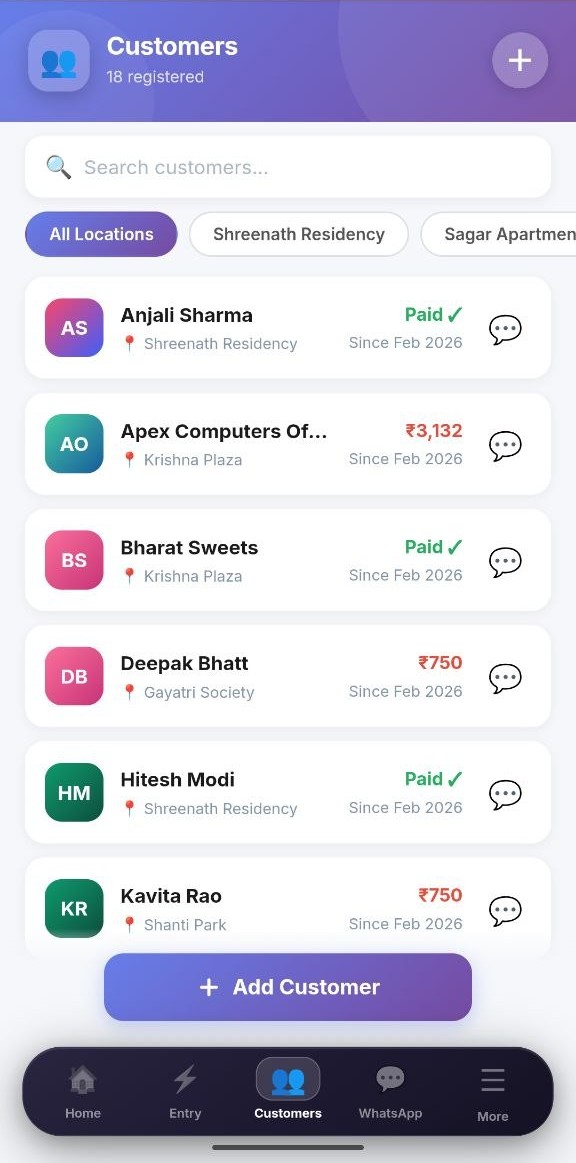
Add customers one-by-one with name, phone, address, default quantity, and price. Or, ask us — we'll bulk-import from a list during onboarding.
  • Group customers by location or worker
  • Set custom prices per customer (some pay differently — we know)
  • Mark active/inactive without deleting history
Search anyone By location
JalYantra customers list with avatars and location filters
4
Daily, < 3 minutes

Mark today's deliveries

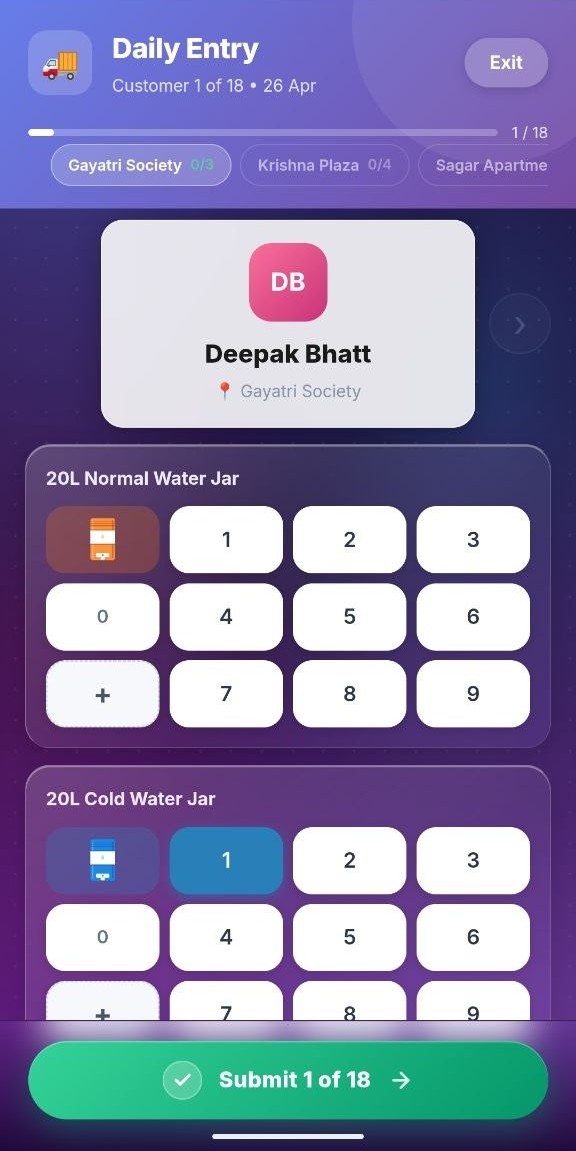
Every morning (or evening), open Rapid Entry. The app shows today's customers in route order — tap to set quantities, hit submit. That's the whole job.
  • Pre-filled with each customer's default quantity
  • Track jar returns alongside deliveries
  • Bulk submit at end of route — works offline, syncs when online
Big keypad 1 of 18
JalYantra Rapid Entry — keypad-style delivery entry
5
Real-time

Workers do their part

If you have delivery boys, give each one a worker login. They see only their route, mark deliveries from their phone, and you see everything from yours.

  • Worker accounts can't see prices or revenue (your call)
  • Push notification when a route is submitted
  • Daily summary reports per worker
6
1 tap, end of month

Generate & send bills

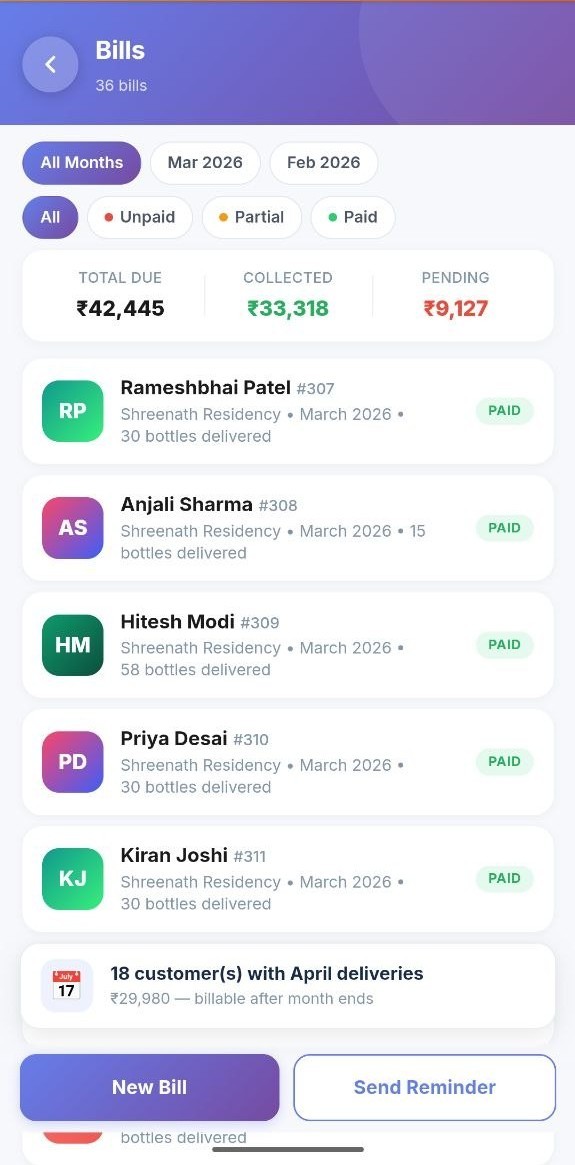
On the 1st (or any day you set), tap "Generate Bills". JalYantra calculates every customer's bill — adjustments, returns, carry-forward — and shows them for review. Approve and send.
  • Edit any bill before sending
  • Bills go out as PDFs over WhatsApp, under your business name
  • UPI / Razorpay payment link attached automatically
36 bills All paid
JalYantra Bills screen with monthly totals and PAID badges
7
Auto, no action needed

Reminders go out automatically

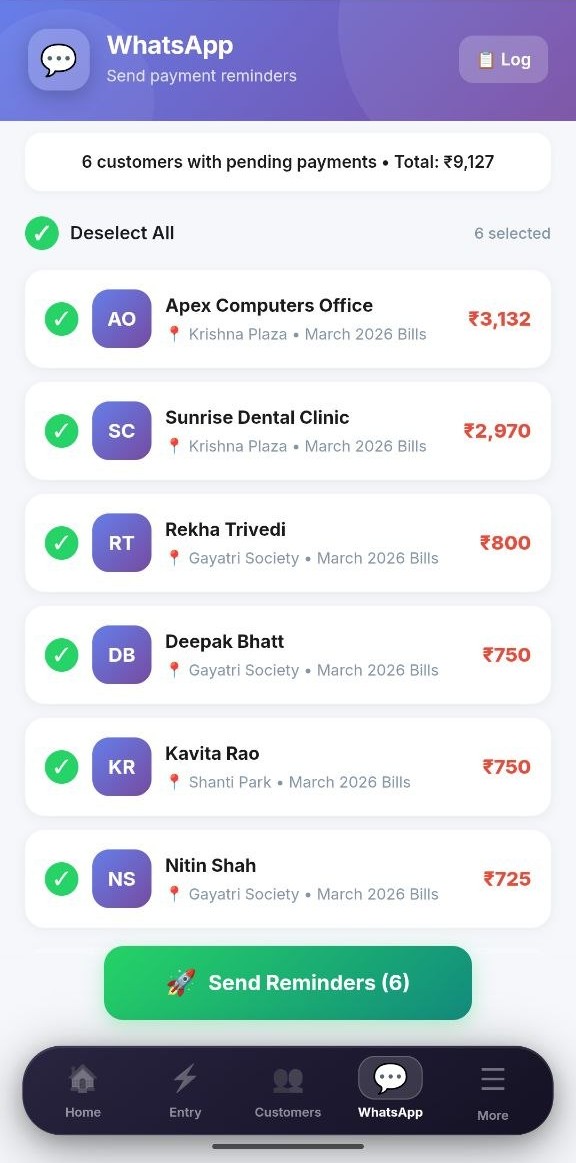
3 days, 7 days, 14 days after the bill — JalYantra sends polite WhatsApp reminders to anyone who hasn't paid. You can customise the message or turn this off.
  • Hindi or English templates per customer
  • Pause reminders for specific customers (long-term clients you trust)
  • Replies to your WhatsApp number — you handle the conversation directly
Bulk select 1 tap send
JalYantra WhatsApp reminder screen — bulk select and send
8
Continuous

See the numbers, decide

The dashboard shows daily collection, top-paying customers, slow-paying customers, jar circulation, and worker performance. The numbers your CA never asked for, but you need to grow.

  • Daily, weekly, monthly, custom date ranges
  • Export to PDF or CSV for your CA
  • Identify your top 20% customers (the ones who drive 80% of revenue)
A day in the life

A typical day with JalYantra

This is how it actually fits into a real distributor's day — start to finish, under 4 minutes total.

Heading out
Morning
10 seconds

Open Rapid Entry. See today's route with every customer's default quantity already filled in. Head out — your phone has the whole day's plan.

During delivery
On the route
~5 sec per stop

At each customer, confirm what you actually delivered — keep the default, adjust quantity, or mark returns. Tap submit when the route is done. Workers' entries auto-merge into yours.

Evening review
8:00 PM
1 minute

Glance at the dashboard. Today's collection, who paid, who's overdue. Send a manual WhatsApp to anyone who's been quiet — done.

End of month?

Tap "Generate Bills". Review for 5 minutes. Send. Go for chai.

Ready to try it for yourself?

14 days free. No credit card. Get your first WhatsApp bill out the door tonight.

Get Early Access